From WSL to bare-metal Linux
I’ve been a happy Windows user for most of my life, but last year I grew tired of the split between Windows proper and the WSL. It started getting in the way and, in the spirit of fixing my tools, I thought to myself: maybe the time is ripe to make the switch and commit to a full Linux system.
The idea was attractive, but I wanted to be careful. Having a machine that Just Works™ is important to me, and I feared a Linux setup could lead down the path of constant tinkering. Could I test-drive Linux without messing with my existing system at all? I happened to have a fast external SSD in my drawer, with its corresponding high-throughput USB-C cable… Installing Linux there and booting from the drive seemed safe enough.
So began the adventure. I was looking for an opinionated and programmer-oriented setup, which led me to Omarchy Linux. I quickly went through the installer and had a fully functioning system in a matter of minutes. Everything seemed to work, including mounting the encrypted Windows drive so I could access my files. Hardware-wise, my laptop’s fingerprint reader worked flawlessly and the webcam even decided to revive (it had ceased to work a few months before while I was still on Windows). Not a bad start!
The following days were spent making myself at home in the new operating system. I removed some of the software that came bundled with Omarchy, got used to the tiling window manager, tweaked some options I found annoying, etc. From this I gained a new sense of ownership over my machine’s UX: everything was configurable! I chose to minimize the number of tweaks, but I understand better now how people can go down endless rabbit holes customizing their systems.
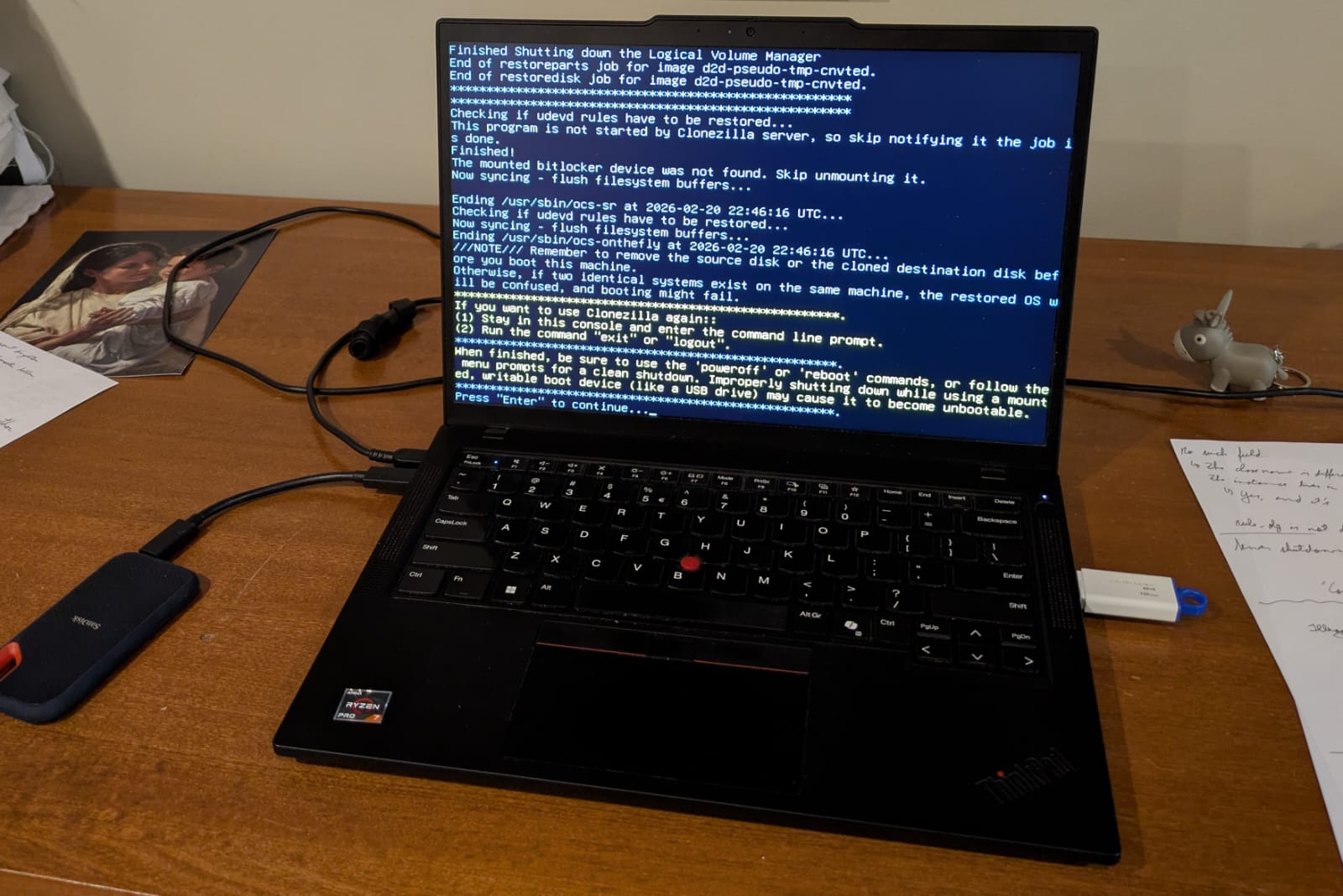
Back to the story, after a month booting from the external drive I decided the experiment had been successful. Linux was here to stay and the time had come to cut the cord. I backed up the files that were still captive in my former Windows install and proceeded to very carefully mirror the external SSD to my laptop’s internal drive (see the picture below). Why so careful? Because you don’t want to mirror the drives in the wrong direction and lose your files! Fortunately, everything went well. By the end of the operation, Windows was no more and Linux had taken its place.
Appendix: tips and caveats
If you are considering a switch to Linux, here are some things to be aware of:
- Depending on your experience, the required level of effort may be higher than what this post would suggest. I feel like everything went smoothly for me thanks to my previous experience using the WSL and managing a homelab server.
- On a related note, the choice of Linux distribution greatly influences the level of difficulty. I’m pretty sure something like Ubuntu Desktop or Fedora KDE Plasma Desktop requires less tinkering than Omarchy.
- LLMs are an absolute blessing when it comes to figuring out the necessary incantations to configure your system. I used them to great effect as a fancy search engine (through Kagi assistant). As always, you still need to apply good judgement and run experiments to ensure things work as advertised by the stochastic parrot.
- Hardware support has been stellar so far, even better than Windows. Maybe this is normal in 2026 and pretty much any laptop would work well, or maybe I just got lucky. For reference, my laptop is a Thinkpad P14s (Gen 5, AMD-based).
- There are papercuts that might be difficult to solve, even with LLMs (e.g., I have an issue with copy-pasting stuff from the browser into vscode’s integrated terminal). Still, I’d say the verdict still favors Linux over Windows in my case.